
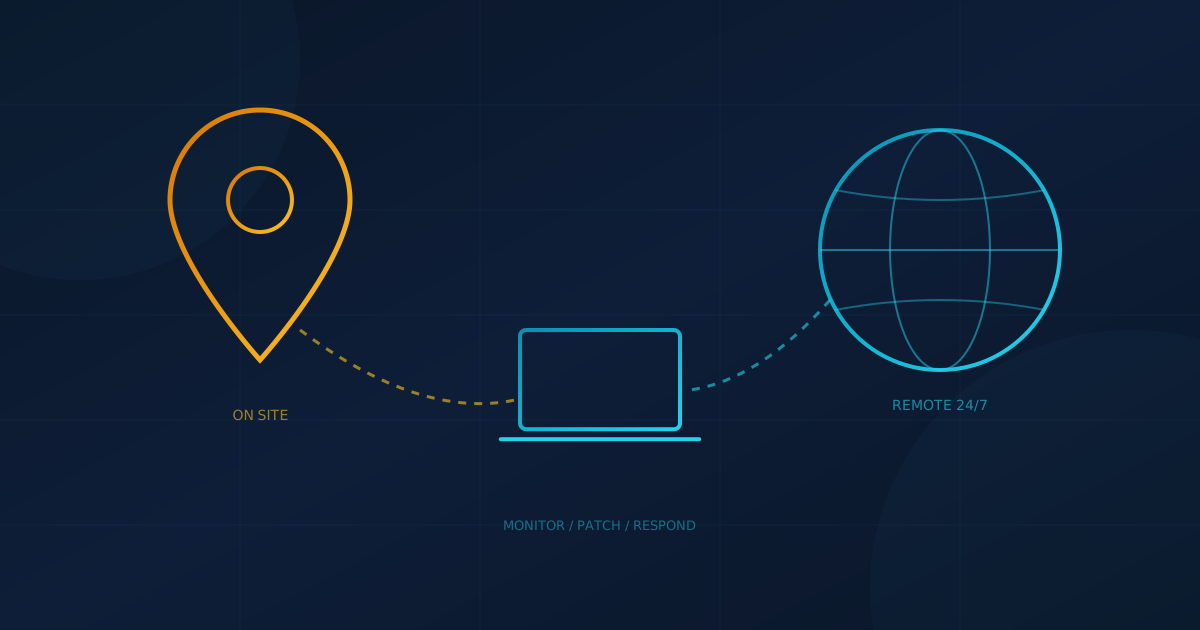
If you are searching for a cybersecurity company near me, the first thing to know is that most security work is no longer done on site. Monitoring, patching, email filtering and the first hours of incident response all happen over the network. The US Cybersecurity and Infrastructure Security Agency (CISA) notes that "many small and medium-sized businesses use MSPs to remotely manage IT systems, data, and applications." Distance matters less than it used to. It still matters for some jobs.
This guide is for owners in Canada or the US weighing a local provider against one based elsewhere. It covers what remote providers handle well, where being nearby helps, and the questions that matter more than the address.
Does a cybersecurity company need to be near me?
For most day-to-day security work, no. The Canadian Centre for Cyber Security (CCCS) describes small and medium businesses using providers "to remotely manage their organizations' information technology (IT) infrastructure, cyber security, and other related business operations" in its guidance for consumers of managed services. A provider two time zones away can watch your laptops at 2 a.m. just as well as one down the street.
What distance does change is how fast someone can physically arrive. If your business runs its own servers, network equipment or specialized machines on site, ask how hands-on work gets done and how quickly. If everything lives in Microsoft 365 or Google Workspace and your staff work from laptops, the answer matters much less.
What can a remote cybersecurity provider handle?
Nearly all of the core security services can be delivered remotely. The CCCS guide ITSM.10.023 lists services managed security providers offer, including continuous device and system monitoring, managed detection and response, and managing firewalls and VPNs. It even suggests asking whether a service is "mostly cloud based," "on premises with remote monitoring," or "a hybrid."
- Monitoring and response: reviewing alerts from endpoint detection and response (EDR) tools and isolating a compromised computer over the network.
- Patching and configuration: pushing updates and security settings to devices wherever they are.
- Email and identity: phishing filters, multifactor authentication and account reviews in cloud admin consoles.
- Training: awareness courses and phishing simulations, which are delivered online either way.
Our small business cybersecurity checklist lists the baseline security stack, from EDR and email security to backups and training, if you want to compare what each provider includes.
When does a local provider actually help?
Being local helps when the work is physical, or when you want someone in the room. Typical examples:
- Network and hardware work: installing or replacing firewalls, switches and Wi-Fi, or rewiring a server closet.
- Device swaps during an incident: pulling an infected machine or setting up replacements when staff cannot work.
- Sites with equipment that cannot be reached remotely: some manufacturing, medical or construction environments.
- Planning meetings and tabletop exercises: some leadership teams simply engage better in person.
Business hours matter too, and that is about time zones more than distance. A provider whose help desk runs on your local hours is easier to work with day to day. For security monitoring, though, the question is whether anyone is watching outside business hours at all.
What matters more than distance?
Who is watching, how fast they act, and what they are allowed to do. Our guide to choosing a managed IT and cybersecurity provider puts 24/7 monitoring by human analysts and documented response times, including after-hours commitments, near the top of the list. A local firm that only answers during the day can leave you more exposed than a remote one that monitors around the clock.
Access is the other big issue. The CCCS warns that managed service providers "are attractive targets for cyber criminals because they have access to numerous client systems and a lot of data." Verizon's 2025 Data Breach Investigations Report found that third-party involvement in breaches doubled to 30%. Any provider, near or far, should be able to explain how it secures the tools and accounts it uses to reach your network. Our article on third-party vendor risk explains why a vendor's security posture becomes part of yours.
What should you ask any cybersecurity company before signing?
Ask the same questions whether the provider is down the street or across the country. The CCCS recommends asking for an example service level agreement and checking it "in terms of speed of detection, alerting, and resolution," along with where the provider stores logs and how its staff connect to your systems.
- Who reviews alerts at night and on weekends, and are they the provider's own staff or a subcontractor?
- What response times are committed in writing?
- What can you do without calling us first, such as isolating a laptop or disabling an account?
- If something needs hands-on work, who shows up and how fast?
- Where are our data and logs stored, and does that meet any contract or privacy requirements we have?
- How do you protect your own remote access tools, and will you tell us if you are breached?
Remember that outsourcing does not hand off responsibility. CISA says it "does not absolve an organization from risk management responsibilities." Even with a strong provider, you need to know who you would call and what you would do in the first hours of an incident.
Remote-first, with someone local when it counts
For many small businesses the practical answer is a provider that does the security work remotely and can still send someone when hardware or an incident needs hands on site. Cyber Unit works this way: our managed IT services support businesses remotely across North America, with on-site technicians in some markets.
Whoever you shortlist, ask them one question: "If an attacker got into one of our laptops on a Saturday night, who would notice, and what would happen next?" To see where your own gaps are before you start comparing providers, take our free cybersecurity assessment. It covers 22 security areas in under five minutes.
This article is intended for general informational purposes only and does not constitute professional security, legal, or compliance advice. Guidance and statistics cited are based on publicly available government and industry sources as of the date of publication. Organizations should consult qualified cybersecurity professionals before selecting a provider or making operational changes based on this article.