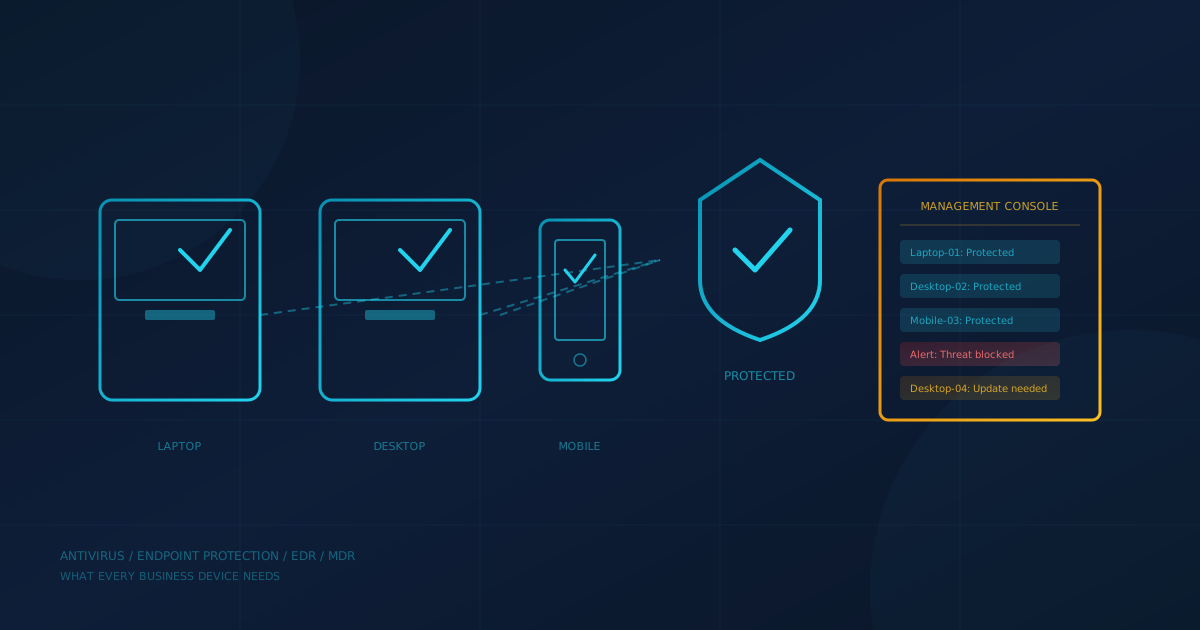
Antivirus for business is not one product: it is a layer of protection that starts with what comes built into your operating system, grows with paid endpoint protection tools, and extends to managed services when you need someone watching your systems around the clock. Verizon's 2025 Data Breach Investigations Report found that ransomware was present in 88% of breaches affecting small and medium businesses, compared to 39% for large organizations. The devices your employees use every day are where most attacks begin, and they are where basic protection matters most.
This article answers the questions a business owner or office manager in Canada or the US is likely asking: what protection is already on your devices, when it is enough, when you need more, and what to ask your IT provider or vendor before spending money.
Does every business device need antivirus?
Yes. CISA recommends enabling antivirus and anti-malware protection on every device. The Canadian Centre for Cyber Security's guidance document ITSM.10.023 advises organizations to install anti-virus, anti-malware, and endpoint detection and response (EDR) software on devices. Both agencies treat antivirus as a baseline, not an optional extra.
The good news is that modern operating systems already include free protection:
- Windows 10 and 11: Microsoft Defender Antivirus is enabled by default. It provides real-time protection, cloud-delivered scanning, and automatic signature updates.
- macOS: Apple's XProtect and Gatekeeper run automatically, blocking known malware and unsigned apps.
- iOS and Android: Both platforms include sandboxing and app store review to limit malware exposure, though Android's openness means third-party protection is more common.
If you are running current operating systems and keeping them updated, you already have some endpoint security. The question is whether that protection is enough for your business.
Is Microsoft Defender enough for business?
Microsoft Defender Antivirus, the free component built into Windows, is a capable antivirus product. CISA's guidance specifically tells users to ensure their device's native antivirus protection is enabled, noting that most operating systems have native solutions so you do not have to choose a third-party product. For a single personal computer, the built-in protection is often sufficient when combined with regular updates.
For a business, the answer depends on three things:
- Can you see all your devices? Built-in Defender runs locally on each computer. Without a management console, you cannot verify that protection is active and up to date across your whole team.
- Is someone monitoring alerts? Defender can raise alerts, but if no one sees them, they do not help.
- Do you need response capabilities? Basic Defender does not include the investigation and isolation tools that let you contain a threat quickly.
For many small businesses, the practical limitation of free Defender is not detection quality but management. The Canadian Centre for Cyber Security recommends enabling and securely configuring anti-virus and anti-malware solutions on all systems, set for automatic updates and scans. Confirming that is true on every device is hard without a central console.
What does Microsoft Defender for Business add?
Microsoft Defender for Business is the paid, enterprise-grade version designed for organizations with up to 300 users. According to Microsoft's documentation, it is included in Microsoft 365 Business Premium. A standalone license is also available for businesses using Microsoft 365 Business Basic or Business Standard, which do not include it.
The key additions over the free built-in antivirus:
- Centralized management: The Microsoft Defender portal shows device health, threat detections, and policy status across all enrolled devices.
- Endpoint detection and response (EDR): Defender for Business monitors device behaviour, not just known malware signatures, and lets administrators investigate incidents and isolate compromised devices.
- Automated investigation and remediation: The system can investigate alerts and respond to threats automatically, reducing the need for hands-on intervention.
- Attack surface reduction: Rules that limit risky behaviours, such as blocking Office macros from creating child processes, help stop attacks before detection is needed.
- Cross-platform support: Protection extends to Mac, iOS, and Android devices, not just Windows.
The practical effect is that a small business with Microsoft 365 Business Premium already has access to a capable endpoint protection suite. If your IT provider or internal administrator configures it properly, you may not need a separate third-party antivirus product.
When should a business pay for endpoint protection?
Paid endpoint protection (whether Microsoft Defender for Business or a third-party endpoint protection product) makes sense when:
- You need centralized visibility. If you manage more than a handful of devices, you need a console that shows protection status, alerts, and policy compliance in one place.
- You want behavioural detection. Traditional antivirus catches known malware. Modern endpoint protection watches for suspicious behaviour, such as ransomware encrypting files or a script trying to disable security software. Our article on next-generation versus traditional antivirus explains how behavioural detection catches threats that signature-based antivirus misses.
- Compliance or contracts require it. Some industries, insurers, or clients specify that you must run commercial endpoint protection with specific features.
- You have devices beyond Windows. A mix of Windows, Mac, and mobile devices benefits from a single product that covers all platforms.
Ask any vendor to state per device what is included, especially whether EDR and alert monitoring are part of the license or billed separately.
What is EDR and when do you need it?
Endpoint detection and response (EDR) goes beyond blocking known malware. It continuously records what happens on a device, flags suspicious behaviour, and gives an administrator tools to investigate and contain threats. CISA's StopRansomware Guide recommends application allowlisting and/or EDR solutions on all assets.
Our guide to EDR vs MDR for small business explains the distinction in detail. The short version: EDR is software you install. It raises alerts. Someone at your company (or your IT provider) still needs to review those alerts and decide what to do.
Consider EDR when:
- You handle sensitive data. Financial records, healthcare information, legal files, or client data increase your risk and the value of early detection.
- You have remote or hybrid workers. Devices that leave the office network are harder to protect with perimeter controls alone.
- You want faster containment. EDR lets you isolate a compromised laptop from the network in minutes, limiting how far an attacker can move.
When does a business need MDR?
Managed detection and response (MDR) adds a team of analysts who watch your EDR alerts, investigate incidents, and respond on your behalf. The Canadian Centre for Cyber Security's ITSM.10.023 lists MDR among the services a managed security service provider (MSSP) can deliver, covering monitoring, detecting, alerting, and managing response to potential attacks, and notes that some organizations hire an MSSP because they need security monitoring outside normal operating hours.
The question to ask is: who will act on an alert at 2 a.m.? CrowdStrike's 2025 Global Threat Report measured an average eCrime breakout time of 48 minutes in 2024, the time it takes an attacker to move from the first compromised device to another. If alerts wait until Monday morning, the damage is already done.
MDR makes sense when:
- No one at your company monitors security after hours. If your IT person goes home at 5 p.m. and a threat lands at 7 p.m., you need someone else watching.
- You do not have security expertise in-house. MDR analysts know what a real incident looks like and can distinguish false alarms from genuine threats.
- Response speed matters. MDR providers can isolate a device, stop a malicious process, or disable a compromised account without waiting for you to answer the phone.
How do you decide what your business needs?
A practical framework for a small business in Canada or the US:
- Start with the baseline. Verify that every device is running its built-in antivirus (Defender on Windows, XProtect on Mac) and receiving automatic updates. This costs nothing and closes the most basic gap.
- Add centralized management. If you have more than a few devices, ensure someone can see protection status across all of them. Microsoft Defender for Business (included in Microsoft 365 Business Premium) provides this for Windows, Mac, iOS, and Android.
- Evaluate EDR. If you handle sensitive data, have remote workers, or want faster containment, modern endpoint protection with EDR capabilities is worth the cost. Check whether your current Microsoft 365 license already includes it.
- Consider MDR if you lack coverage. If no one at your company or your IT provider is actively monitoring and responding to security alerts after hours, MDR fills that gap.
The layers build on each other. Skipping to MDR without ensuring basic antivirus is enabled everywhere is like hiring a security guard for a building with unlocked doors.
What should you ask your IT provider or vendor?
Before buying a new endpoint protection product or service, ask:
- What protection do we already have? Many businesses are already paying for Microsoft Defender for Business through their Microsoft 365 license without using it.
- Is it deployed on every device? Protection that is purchased but not installed does not help. Ask for a list of devices and their protection status.
- Who sees the alerts? Get a named person or team and their hours of coverage.
- What happens when a threat is detected? Understand the response process: who decides, who acts, and how quickly.
- What is included versus billed separately? Some providers include monitoring and response in the license; others charge extra.
The most useful question to put to your IT lead or managed IT provider this week: "Which devices are currently running endpoint protection, and who gets the alert if one of them detects a threat?" If the answer is vague or uncertain, that is the gap to close first.
One next step
If you are unsure where your business stands on endpoint protection, email security, backup, and the other controls that reduce your risk of a breach, our free cybersecurity assessment covers 22 security areas in under five minutes and shows you which gaps matter most.
This article is intended for general informational purposes only and does not constitute professional security, legal, or compliance advice. Product capabilities and licensing details are based on vendor documentation and government guidance as of the date of publication and may change. Organizations should consult qualified cybersecurity professionals before making purchasing decisions based on this article.