
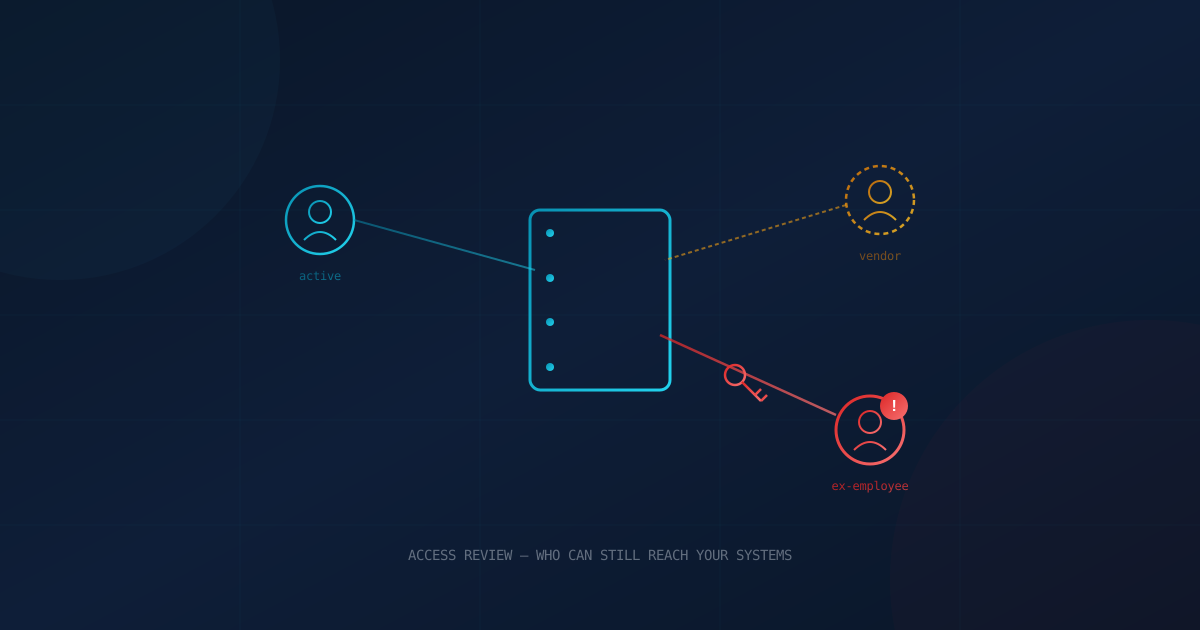
Ask most business owners how many people can log into their company's systems, and they'll answer with their current headcount. Ask how many accounts actually have access — including contractors, vendors, and employees who left six months ago — and most don't know. That gap between "who works here" and "who can still get in" is exactly what an access review is built to close.
Research from Beyond Identity found that roughly a quarter of former employees can still access at least one account or system from a previous employer, and more than half admitted they had used that lingering access to do something that harmed the company. This isn't a story about a sophisticated hacker breaking down the door. It's a story about doors nobody remembered to lock.
What Is an Access Review?
An access review is a scheduled check of every account with access to your business's systems — who holds it, what it's for, and whether it's still needed. It applies to email, financial software, customer databases, cloud storage, and the dozens of smaller tools most businesses accumulate over time. Instead of assuming access is correct because it was correct when it was granted, a review confirms it's still correct today.
Large enterprises typically run this as a formal, audited process. Most small and mid-sized businesses run it never — not because it's technically difficult, but because no single person owns the job of checking.
Who Still Has a Key to Your Business?
When businesses finally do a first access review, a few categories of orphaned access show up almost every time:
- Former employees whose accounts were disabled in payroll and email, but never in the CRM, the marketing platform, or a cloud storage folder.
- Shared or generic logins — an "admin" account or a sales inbox with one password that's been emailed around for years and never changed.
- Contractors and freelancers given "temporary" access for a single project that quietly became permanent.
- Vendors and IT providers with standing remote access left over from a project that wrapped up long ago.
- Admin-level permissions handed out to solve a one-off problem and never scaled back down.
None of these require a skilled attacker to become a problem. A former employee with a grudge, a contractor whose own email gets compromised, or a shared password that ends up in the wrong inbox is enough.
Why This Keeps Happening Even at Careful Companies
The root cause is usually structural, not carelessness. Most businesses now run dozens of cloud applications — accounting, scheduling, marketing, file storage, communication tools — often adopted by individual departments without IT ever compiling a master list. Offboarding checklists tend to cover the systems everyone remembers, like email and payroll, and miss the ones that were added later by a single team.
There's rarely one system that connects "this person no longer works here" to every place they had access. Our guide to employee onboarding and offboarding for IT covers how to build that connection on the way in — an access review is how you catch what slipped through on the way out.
It also compounds with time. Every role change, every internal transfer, every "just give them admin for now" adds a small amount of access that outlives its original reason. Multiply that across a few years and a growing business, and the gap between org chart and actual access can be substantial. We've written before about how employees — current and former — represent risk that has nothing to do with malicious intent, and unreviewed access is one of the clearest examples.
What Business Leaders Should Take From This
You don't need to understand identity management to ask the right questions of your IT lead or managed service provider:
- How many active accounts exist across our top ten systems, and does that number match our current headcount plus active contractors?
- When was the last time anyone checked?
- Is there a documented process that automatically flags every system a departing employee had access to, or does it rely on someone remembering?
- Do any systems still use shared logins instead of individual, revocable accounts?
This is also where the idea of least-privilege access becomes practical rather than theoretical: the goal isn't to trust people less, it's to make sure access matches what someone's current role actually requires — no more, no less. The same logic applies to vendors and outside contractors, who are frequently the least-reviewed category of all.
How to Run a Basic Access Review
A first access review doesn't require new software or a big project. It requires a checklist and a few hours:
- Inventory every system that holds business or customer data — including tools individual departments adopted on their own.
- Pull the active user list from each system.
- Cross-reference it against your current staff and active contractor list.
- Disable anything tied to someone no longer with the company, effective immediately.
- Replace shared or generic logins with individual accounts that can be revoked one person at a time.
- Right-size permissions so access matches a person's current role, not every role they've ever held.
- Put it on a recurring calendar — quarterly is a reasonable cadence for most systems, monthly for anything with financial or administrative control.
- Keep a written record of each review. It's useful evidence for a cyber insurance renewal and for demonstrating due diligence if you're ever asked.
If you're not sure where your business currently stands, a free cybersecurity assessment is a straightforward way to find out — access hygiene is one of the areas it evaluates alongside password practices, backups, and email security.
The Unglamorous Habit That Pays Off
An access review will never make headlines, and it won't feel urgent the way a phishing email or a ransomware warning does. That's exactly why it gets skipped. But it costs far less than the incident it prevents, and unlike most security controls, it doesn't require new technology — just a recurring habit and someone accountable for running it. Businesses that treat it the way they'd treat changing an HVAC filter, on a schedule, regardless of whether anything looks wrong, are the ones that don't discover an ex-employee's login working two years after they left.
This article is intended for general informational purposes only and does not constitute professional security, legal, or compliance advice. Organizations should consult qualified IT and cybersecurity professionals to assess their specific access management practices and develop an approach suited to their systems.