Your company probably has a firewall. Antivirus software. Maybe even email security and employee training. But there's a good chance nobody is paying attention to the dozens of small programs running inside every employee's web browser.
Browser extensions—those little add-ons that block ads, manage passwords, check grammar, or add AI features—have become so routine that most people install them without a second thought. That's exactly what makes them dangerous.
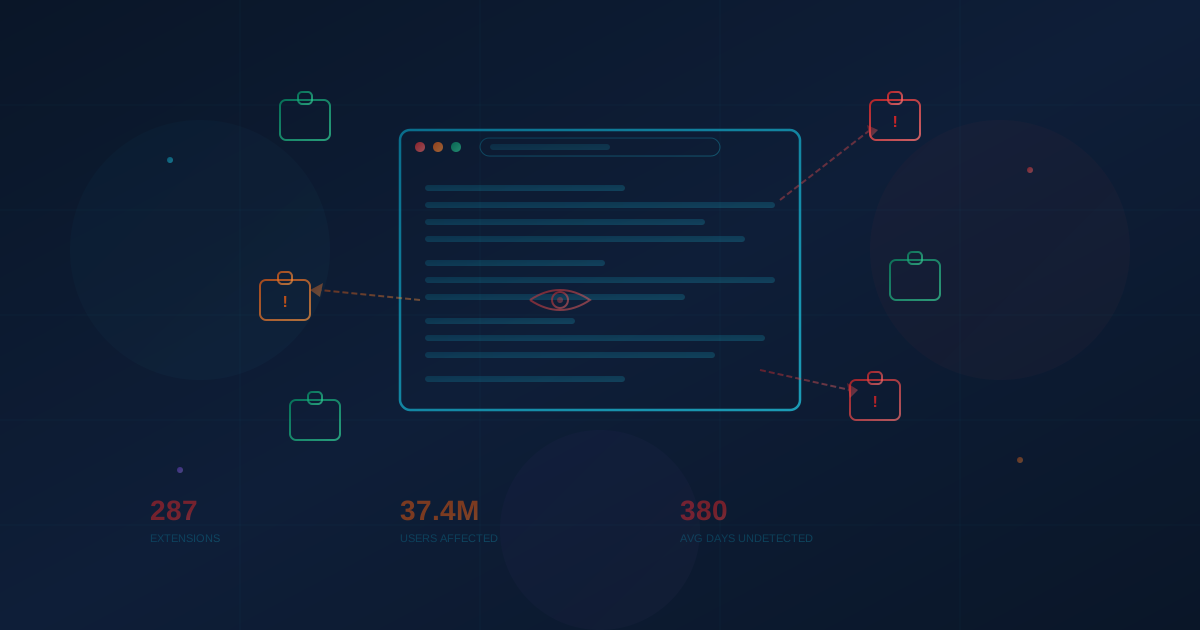
This week, a security researcher revealed that 287 Chrome extensions were quietly collecting and transmitting the complete browsing history of approximately 37.4 million users. The data was being sent to more than 30 companies, including some of the biggest names in digital analytics. No consent dialogs. No obvious warnings. Just silent data collection happening in the background while people went about their day.
For businesses, this isn't just a privacy concern. It's a security blind spot that most organizations have never addressed.
What the Researcher Found
An independent security researcher operating under the pseudonym "Q Continuum" built an automated testing system to analyze Chrome extensions at scale. Using a simulated browsing environment, they measured whether extensions were transmitting browsing activity to external servers.
The results were striking: 287 extensions—with a combined 37.4 million installations—were leaking browsing data. Of those, 153 extensions with approximately 27.2 million users were confirmed to begin transmitting browsing history immediately upon installation.
The data being collected included full URLs of every website visited. That might sound innocuous until you consider what URLs often contain: password reset links, internal company portals, document names, admin panel paths, and other information that can reveal sensitive details about a person or organization.
The browsing data was being sent to more than 30 different companies, including Similarweb, Semrush, entities associated with Alibaba Group, and ByteDance. For approximately 20 million of the affected installations, the researcher couldn't even identify who was receiving the data.
To verify their findings, the researcher deployed "honey URLs"—decoy web addresses designed to be visited only through the testing process. Multiple IP addresses tied to data collection firms subsequently accessed those decoy links, confirming the data was being actively collected and potentially resold.
This Is Not an Isolated Incident
The 287-extension discovery is the latest in a pattern that has been accelerating sharply. Browser extensions have become one of the most active attack surfaces in cybersecurity—and the incidents are getting more sophisticated.
The Christmas Eve Supply Chain Attack
On December 24, 2024, a phishing email compromised an employee at Cyberhaven, a cybersecurity company. The attacker used that access to publish a malicious update to Cyberhaven's Chrome extension, which was installed by over 400,000 users. The malicious version was designed to steal session cookies and authentication tokens—specifically targeting Facebook Ads accounts.
What made this attack especially notable: the compromised employee had multi-factor authentication enabled. It didn't help. The phishing attack exploited the OAuth authorization flow, which MFA doesn't protect. The malicious extension was live for less than 24 hours before being detected and removed—but in that window, session tokens were stolen that could give attackers direct access to authenticated accounts.
Cyberhaven wasn't even the only victim. The same phishing campaign compromised at least 35 Chrome extensions, affecting over 2.6 million users collectively.
Seven Years of Building Trust, Then Striking
In December 2025, researchers uncovered a campaign by a group dubbed "ShadyPanda" that had spent seven years publishing or acquiring seemingly harmless browser extensions. The extensions built up positive reviews, millions of installs, and even earned "featured" and "verified" badges in official extension stores.
Then they pushed malicious updates to all of them simultaneously. 4.3 million users across 20 Chrome extensions and 125 Microsoft Edge add-ons were affected. The extensions were injecting tracking codes on major e-commerce sites, hijacking search results, and stealing cookies.
Fake AI Extensions Stealing Gmail
In February 2026—just this month—researchers at LayerX Security discovered 32 Chrome extensions impersonating popular AI tools like ChatGPT, Claude, Gemini, and Grok. Installed by at least 260,000 users, these extensions were stealing API keys, email content from Gmail, and browsing data. Fifteen of the extensions specifically targeted Gmail, injecting code that could read email messages.
Separately, two extensions with a combined 900,000 users—including one with Google's "Featured" badge—were found stealing users' conversations with ChatGPT and DeepSeek every 30 minutes.
The Numbers Behind the Blind Spot
A Stanford University and CISPA study published in 2024 analyzed the Chrome Web Store over a three-year period and found that 346 million users had installed extensions with security concerns—including 280 million who installed extensions containing actual malware.
Some of the most striking findings from that study and related research:
- 99% of enterprise employees have browser extensions installed, according to LayerX's 2025 Enterprise Browser Extension Security Report
- 53% of enterprise users have extensions with "high" or "critical" permission levels—meaning those extensions can read everything the user sees and types in their browser
- 60% of extensions have never been updated after their initial release—meaning known vulnerabilities go unpatched indefinitely
- Malware-containing extensions persisted on the Chrome Web Store for an average of 380 days before being removed. Vulnerable extensions averaged over three years
- User ratings provide no indication of safety—malware-containing extensions had a median rating of 4.997 out of 5
Perhaps most concerning: 26% of extensions in enterprise environments are sideloaded—installed directly by another program rather than from the official store, bypassing even the basic vetting that Google provides.
What a Compromised Extension Can Actually Do
Most people think of browser extensions as simple tools with limited capabilities. The reality is that a browser extension with common permissions can:
- Read every website you visit—including banking portals, email, internal company tools, and healthcare platforms
- Capture passwords as you type them—before they're encrypted and sent to the website
- Steal session tokens that bypass multi-factor authentication—if an extension steals your authenticated session cookie, an attacker can access your accounts without ever needing your password or MFA code
- Read your email—extensions running on Gmail or Outlook can access every message in your inbox
- Take screenshots of what's on your screen
- Log every keystroke—capturing not just passwords but confidential business discussions, contracts, and strategic plans
- Inject content into web pages—altering what you see, injecting ads, or redirecting you to phishing sites
The permission that enables most of this—"Read and change all your data on websites you visit"—is one of the most commonly requested permissions in the Chrome Web Store. And most users click "Add extension" without reading what they're agreeing to.
Why This Is a Business Problem
Browser extensions create a unique category of risk because they sit in a blind spot between personal and corporate security.
Your Employees Are Installing Extensions You Don't Know About
This is shadow IT at its most invisible. Employees install extensions on their work browsers for productivity, convenience, or just personal preference—ad blockers, grammar checkers, AI assistants, screenshot tools. IT and security teams typically have no visibility into what's installed, what permissions those extensions have, or what data they're accessing.
Research shows that 59% of U.S. employees use unapproved AI tools at work. When those tools come in the form of browser extensions, they're running with access to every website and web application the employee uses—including your CRM, your email, your cloud storage, and your financial platforms.
Extensions Bypass Your Existing Security
This is what makes browser extensions particularly dangerous for businesses. Your company might have invested in endpoint detection, email security, firewalls, and multi-factor authentication. A malicious browser extension bypasses all of it.
It doesn't need to break through your firewall—it's already inside the browser. It doesn't need to crack passwords—it watches them being typed. It doesn't need to defeat MFA—it steals the authenticated session after MFA has already been completed. Traditional security tools weren't designed to monitor what happens inside browser extensions, which is why this remains such an effective attack vector.
The Supply Chain Risk Is Real
The Cyberhaven incident demonstrated that even extensions from reputable companies can be compromised. An attacker doesn't need to create a malicious extension from scratch—they can compromise the supply chain by phishing an extension developer, buying an established extension, or hijacking the update mechanism.
The ShadyPanda campaign took this even further: spending years building trust before striking. When an extension your team has used safely for three years suddenly pushes a malicious update, there's no reason for anyone to be suspicious—until it's too late.
BYOD Makes It Worse
If employees access company systems from personal devices—which most do—IT has no control over what extensions are installed on those browsers. The Verizon 2025 Data Breach Investigations Report found that 46% of compromised systems containing potential corporate credentials were unmanaged devices.
What Businesses Can Do
The good news is that browser extension risk is manageable. It just requires the same intentional approach you'd apply to any other piece of software with access to sensitive data.
Start With Visibility
You can't manage what you can't see. If you use Google Workspace or Chrome Enterprise, you can generate reports showing every extension installed across your organization, along with the permissions each one has. This is often a sobering exercise—most IT teams are surprised by what they find.
Consider an Allowlist Approach
Rather than trying to block individual bad extensions (a losing game with over 100,000 in the store), consider flipping the model: block all extensions by default and only allow ones that have been vetted and approved. Chrome Enterprise policies make this straightforward to implement.
For organizations that find a full allowlist too restrictive, Chrome also supports permission-based blocking—automatically preventing any extension that requests certain high-risk permissions like cookie access or the ability to read all website data.
Audit Existing Extensions
Review what's currently installed across your organization. Remove anything that isn't actively needed. Pay special attention to extensions that haven't been updated in over a year, request broad permissions, or come from unknown developers. As part of your regular security review process, make extension audits a recurring item.
Educate Your Team
Most employees don't realize that installing a browser extension is functionally equivalent to giving a stranger access to everything they do online. A brief conversation about extension risks—especially around AI-themed extensions, which have a malicious rate significantly higher than average—can go a long way.
Address BYOD
If employees access company applications from personal devices, consider whether browser-level protections are needed. Some organizations are moving toward secure enterprise browsers that provide extension controls even on unmanaged devices. Others are implementing policies that limit access to sensitive applications from browsers with unvetted extensions.
The Bigger Picture
Browser extensions represent a broader pattern in cybersecurity: attack surfaces expanding into areas that traditional security tools don't cover. Email security can't see what an extension is doing. Antivirus can't detect a legitimate extension that's been silently updated with malicious code. MFA can't prevent session tokens from being stolen after authentication.
The browser has become the primary workplace for most knowledge workers. It's where email happens, where documents live, where CRM and financial tools run, where customer data flows. And browser extensions have largely unrestricted access to all of it.
For a long time, extensions were treated as a personal choice—like the apps on your phone. But when those choices run on devices connected to your business data, they become a business decision. And like most security decisions, it's better to address proactively than to discover the hard way that a grammar-checking extension was quietly sending your data somewhere it shouldn't have gone.
This article is intended for informational purposes only and does not constitute professional security, legal, or compliance advice. Organizations should consult with qualified professionals to assess their specific circumstances and develop appropriate protective measures.